Dive Computers for Beginners: Why You Need One From Your First Dives
A dive computer tracks your depth and time and tells you how long you can safely stay. For most divers it's the first major gear purchase, and for good reason.
On this page
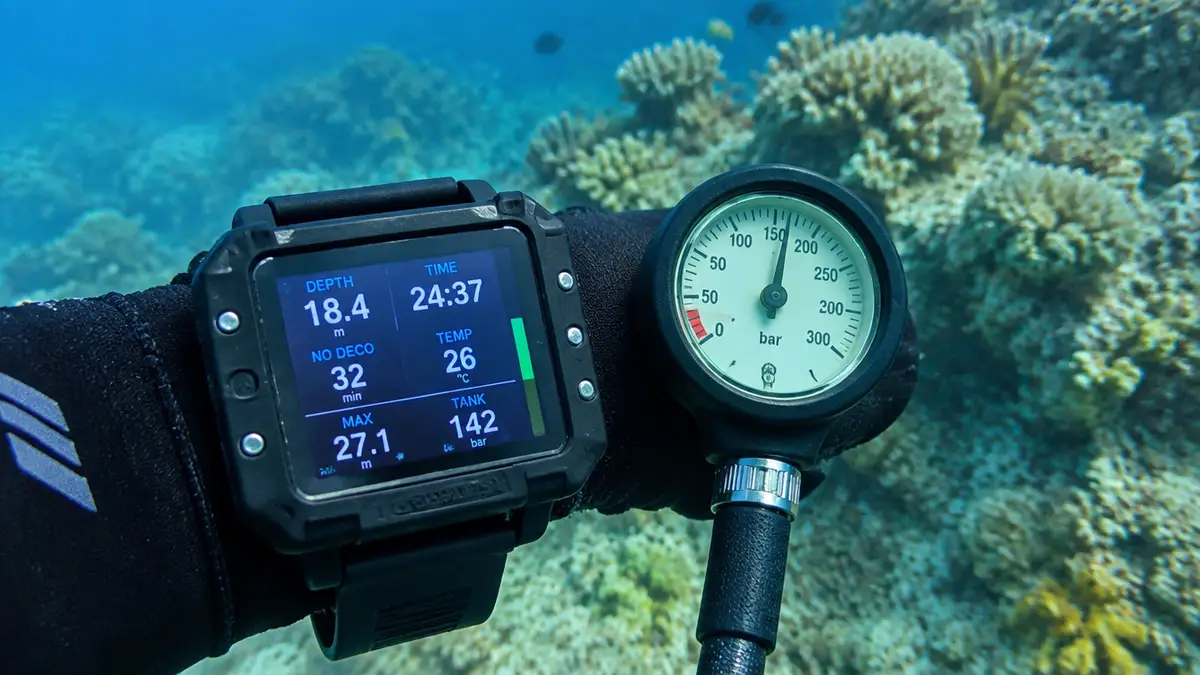
A dive computer continuously measures depth and time and uses a mathematical model (an algorithm) to estimate how much nitrogen your body has absorbed. From that, it shows your no-decompression limit (NDL), how many minutes you can stay at your current depth, and warns you if you ascend too fast or skip a safety stop.
Old-school divers planned with printed dive tables that assumed you spent the whole dive at your deepest depth. Computers track your actual profile, so you get more bottom time on typical multilevel reef dives, plus real-time warnings.
Why beginners should use one from the start
- Safety: ascent-rate alarms and safety-stop timers directly prevent common mistakes.
- Personal information: when you follow a guide, you're responsible for your own limits, and a group's profile isn't your profile.
- Learning: it logs every dive (depth, time, temperature, ascent speed), so you can see how you're improving.
- Familiarity: knowing your computer's screens and alarms is far better than figuring out a random rental model on a rocking boat.
Many instructors now teach Open Water with computers, and a growing number of dive centres require every diver to wear one.
What a dive computer shows
| Display | What it means |
|---|---|
| Current depth / max depth | Where you are now and deepest point of this dive |
| Dive time | Minutes since you descended |
| NDL | Minutes left before mandatory decompression at this depth |
| Ascent rate | Arrow or bar graph; alarms if too fast (typically >9–10 m/min) |
| Safety stop | Countdown timer at 3–6 m |
| Tank pressure (AI) | Remaining air, if air-integrated |
| Gas / O₂% | Air or nitrox setting and PO₂ warnings |
| Surface interval & no-fly time | Time since last dive and recommended wait before flying |
Types of dive computer
- Wrist "puck" computers: affordable, large clear numbers, simple buttons. Excellent first computers.
- Watch-style computers: can be worn every day, compact for travel. Screens are smaller, and colour AMOLED versions are pricier.
- Large-screen wrist computers: very readable colour screens with lots of data, popular with advanced and technical divers.
- Console computers: mounted on the regulator hose with the pressure gauge. Harder to read at a glance than a wrist unit.
Features worth paying for (and those you can skip)
Worth it
- Nitrox capability: nearly all computers have it now. You'll likely take the nitrox course soon.
- A clear, easy-to-read screen in low light and for tired eyes.
- Simple menus. If you can't change settings on the boat, you won't.
- User-replaceable or rechargeable battery.
- Bluetooth/app download for an easy digital logbook.
Nice to have
- Air integration (AI): a wireless transmitter on your first stage shows tank pressure and remaining air time on your wrist. Convenient, but adds cost and batteries.
- Digital compass: handy for navigation.
- Multiple gases, trimix, gauge/freedive modes: only needed as you progress.
Algorithms and conservatism
Different brands use different decompression models (Bühlmann ZHL-16C with gradient factors, RGBM variants and others), so two computers on the same dive can give slightly different NDLs. None of them can guarantee you won't get decompression sickness. They're models, not physiology scanners. Most let you choose a conservatism setting. New divers, older divers, cold or tired divers and people doing many days in a row often choose a more conservative setting.
- One computer per diver. Never share a computer, or swap it between dives.
- Don't switch computers mid-trip; the new one doesn't know about your previous dives.
- Don't treat NDL as a target. Finish dives with a margin, and always do a safety stop.
- If your computer fails, follow your training (ascend slowly with your buddy, do a long safety stop) and sit out the rest of the day.
How much should you spend?
- Entry-level wrist computer: US$200–400. Everything a recreational diver needs.
- Watch-style or colour screen: US$400–900.
- Air-integrated setups: add US$250–450 for a transmitter.
An affordable, easy-to-read computer that you understand beats a feature-packed one you don't. It's usually the first big purchase after mask and fins. See first gear to buy.
Care
- Rinse in fresh water after every dive and press the buttons while rinsing.
- Keep it out of hot cars and direct sunlight.
- Replace batteries and O-rings as the manufacturer recommends.
- Carry it in your hand luggage when flying.
Frequently asked questions
Do I really need a dive computer as a beginner?
It's strongly recommended. It keeps track of your own depth, time and nitrogen and warns you about fast ascents. Renting one is the minimum; owning one is better.
Can I use a smartwatch as a dive computer?
Only if it's specifically certified as a dive computer (some watches now include a diving app with depth rating and a decompression algorithm). A normal smartwatch is not a dive computer.
What is a good first dive computer?
A simple, nitrox-capable wrist computer with a large, clear display and easy menus is ideal. Many major brands make excellent entry-level models.
Keep reading
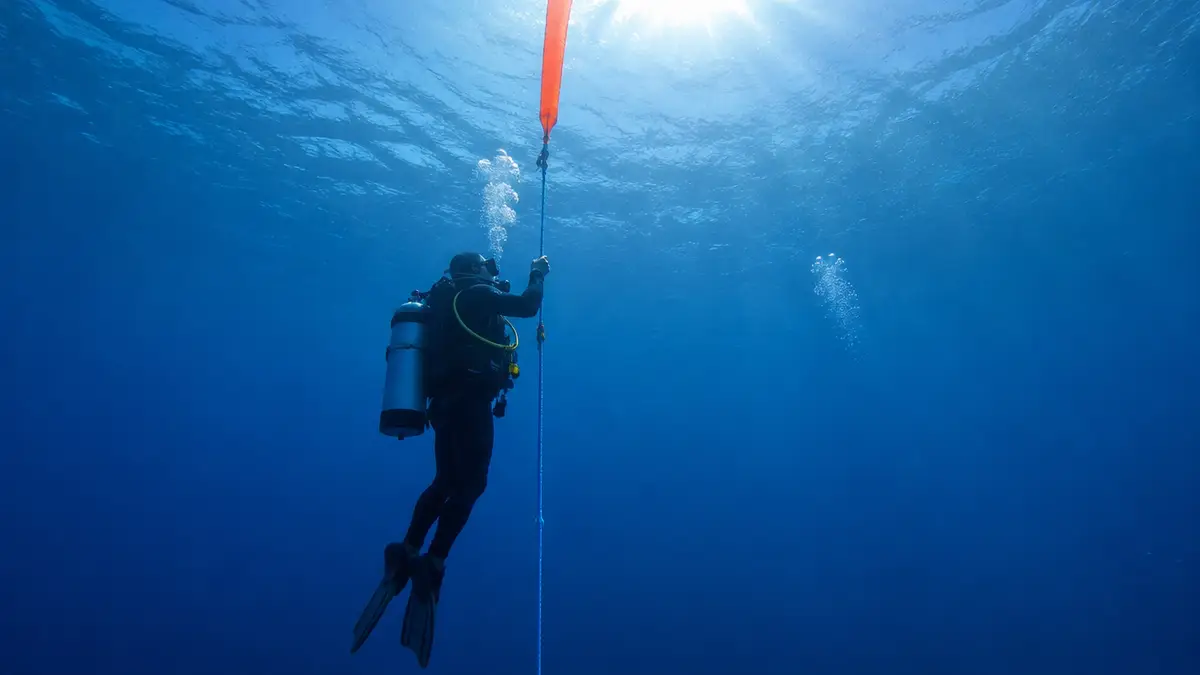
Scuba Accessories: Weights, Dive Lights, Knives, SMBs, Gloves and Boots
Weights, torches, cutters, surface marker buoys, gloves and boots: what's essential and what's optional.
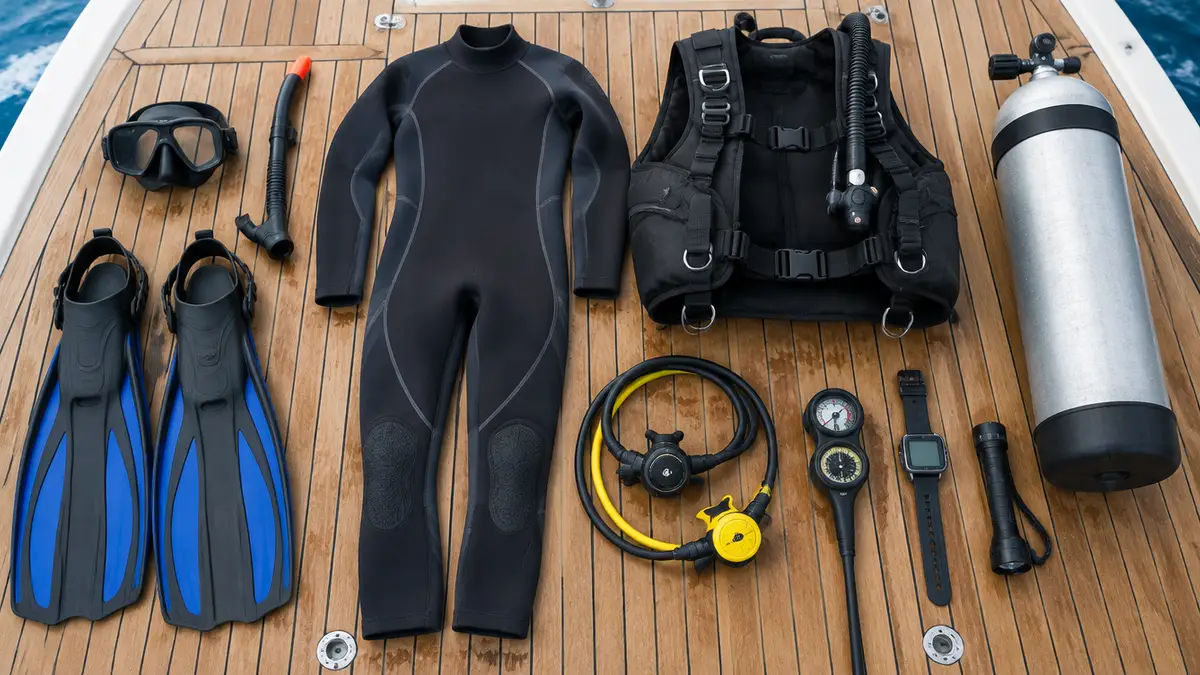
What Scuba Gear to Buy First (and What to Rent): A Beginner's Buying Order
Mask, snorkel, fins and a computer first; the rest can wait. A realistic buying order and budget.
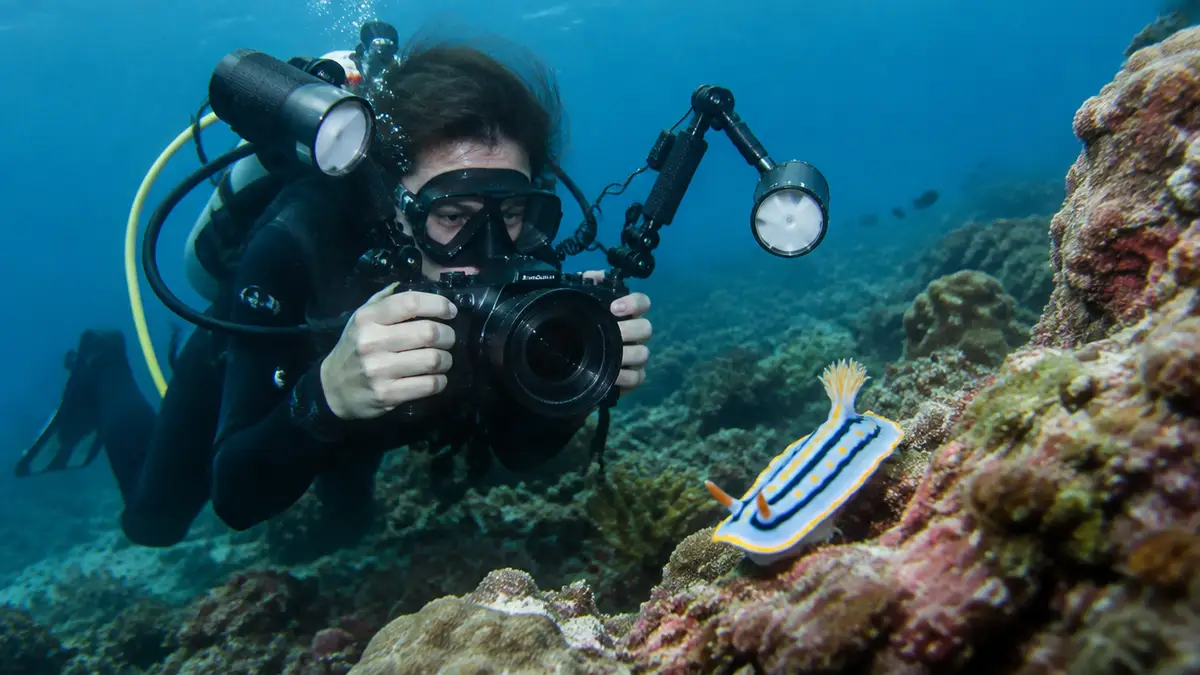
Underwater Photography and Video for Beginners: Cameras, Light and Technique
Cameras, housings, why everything looks blue, and how to shoot without harming the reef.